
Guides
JP Clips vs ClipMe: existing Kick clips or AI stream highlights
Last updated
ClipMe measures its AI clipping allowance in streams. JP Clips measures your use in finished renders of existing Kick clips. ClipMe is a streamer's route from a broadcast to selected highlights; JP Clips is a clipper's route from a tracked Discord channel to a vertical download. This comparison covers clipme.com, the stream clipper. Vendor sources checked 29 October 2026. Plans and features can change; check the linked vendor pages before paying.
ClipMe starts with the broadcast
The ClipMe pricing page, checked 29 October 2026, says it is priced per stream, not per minute, and works with Kick, Twitch and YouTube broadcasts, live or from a VOD, or an uploaded file. It lists a full AI picker. This is moment selection from a broadcast, which JP Clips does not perform.
On the same pricing page, checked 29 October 2026, ClipMe separately advertises a done-for-you service with a dedicated human editor and daily auto-posting to TikTok, Instagram Reels and YouTube Shorts. That is a separate service from simply rendering a clip in JP Clips.
The published plans use different units
The ClipMe pricing page, checked 29 October 2026, lists Starter free with 1 stream a month, 1080p, a ClipMe watermark, 9:16 only and 7-day clip storage. Its plan card and FAQ now agree on 1 stream a month.
That pricing page, checked 29 October 2026, lists Pro at the regular $29 a month for 5 streams a month, up to 13 hours each, watermark-free exports in 9:16, 1:1 and 16:9, 3 channels, a priority queue, highlight reels and permanent storage. Studio is $99 a month with unlimited streams, 3 team seats, API access and white-label exports. Temporary first-month offers can differ from the regular Pro price.
JP Clips Premium is £4.99 a month, £49.99 a year or £119.99 lifetime. Free is 5 renders a day and the 14-day trial is 20 a day. Every plan renders at the same quality. A finished render and a stream scanned by AI are different allowances; there is no currency conversion or cheapest-tool verdict here.
Choose the source before the tool
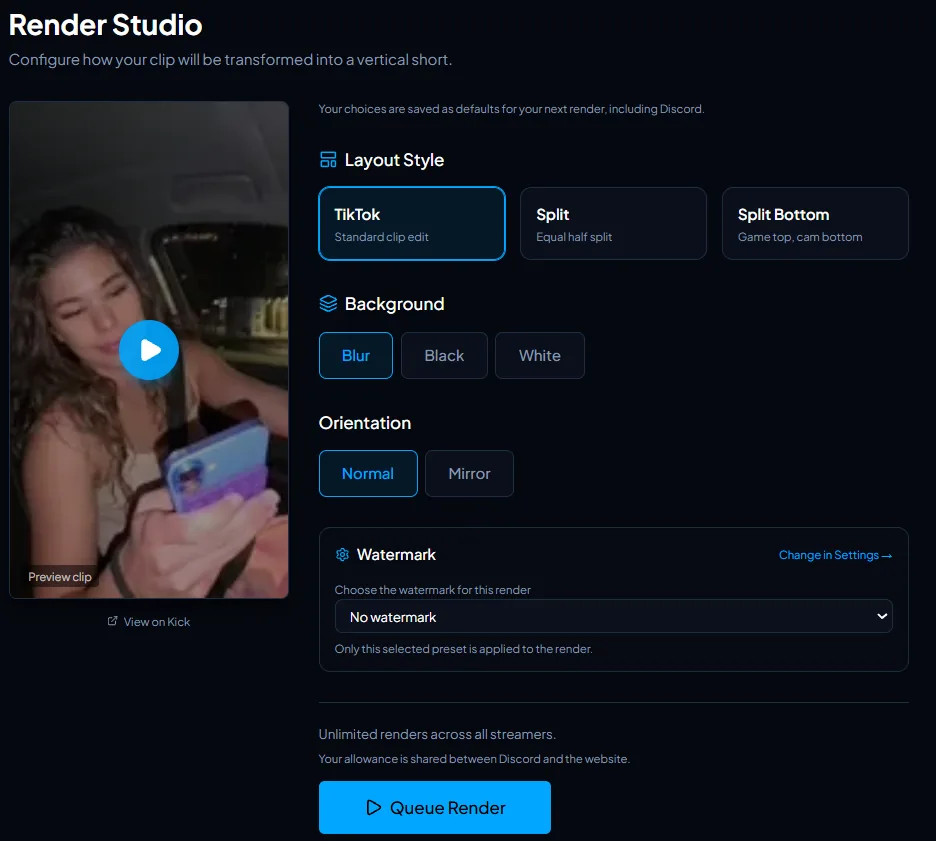
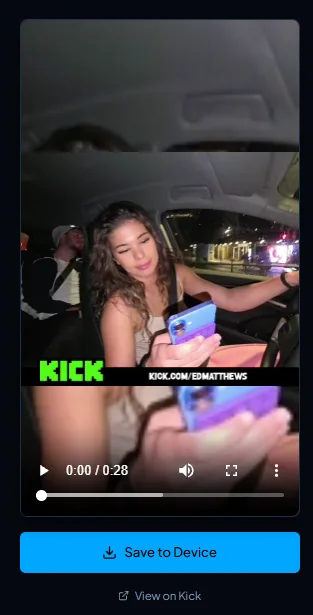
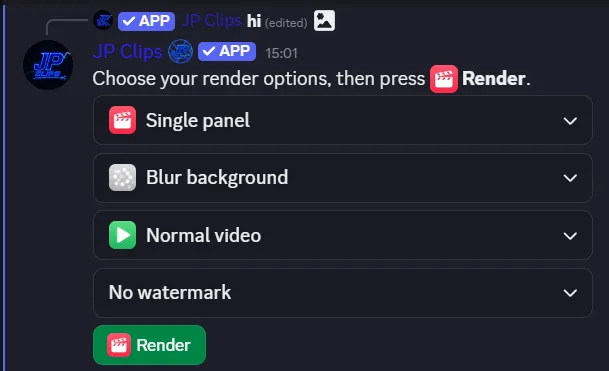
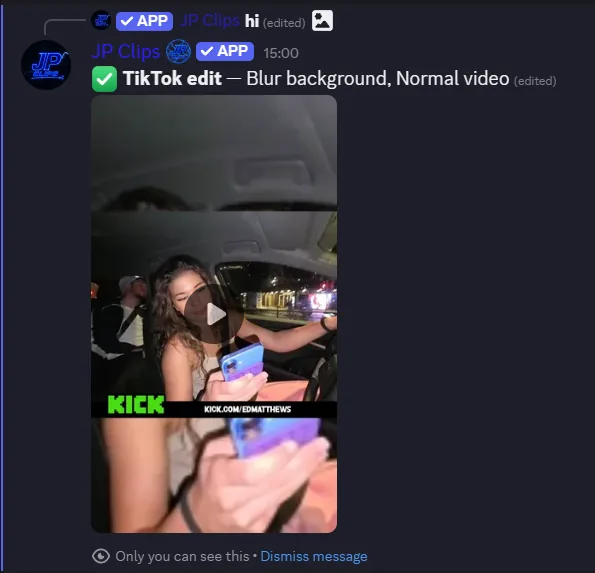
If a useful Kick clip is already in your tracked streamer's Discord channel, open it in JP Clips, choose a layout and download the render. If you need AI to pick moments across your own broadcast, ClipMe's published workflow, checked 29 October 2026, describes that job. You can use both for different footage; this is not an integration between the products.
Related guides
- Best Kick clipping tools in 2026. A broader workflow comparison.
- JP Clips vs OpusClip. Another AI video-import workflow.
Website and Discord render examples
Common questions
Is JP Clips an AI clipper like ClipMe?
No. JP Clips collects existing Kick clips from tracked streamers and renders the clip you select. ClipMe's pricing page, checked 29 October 2026, advertises a full AI picker for broadcasts.
Which is cheaper for a clipper?
As checked 29 October 2026, JP Clips Premium is £4.99 a month, £49.99 a year or £119.99 lifetime. ClipMe lists regular Pro at $29 a month and Studio at $99 a month. Both have a free option, but streams scanned and finished renders are different units; compare your workflow and current plan terms.
Can I use both JP Clips and ClipMe?
Yes, for separate work. Use JP Clips for existing clips in its tracked Kick channels. ClipMe's pricing page, checked 29 October 2026, describes scanning broadcasts with AI. Neither workflow is an integration with the other product.
Does JP Clips auto-post the finished clip?
No. Download the render and post it yourself. ClipMe's pricing page, checked 29 October 2026, separately advertises a done-for-you human editing service with daily auto-posting.